
Your customer base is growing, and your cloud desktop infrastructure needs to keep pace. Without the right scalability strategy, performance bottlenecks and rising costs can quickly undermine your competitive edge.
This guide explores the cloud desktop scalability options available to your business, from vertical and horizontal scaling to intelligent auto-scaling solutions. You’ll learn how to plan for growth, avoid costly missteps, and choose the approach that fits your needs.
Why Scalability Matters for Cloud Desktops
Your cloud desktop infrastructure must expand without forcing you to rebuild everything from scratch. When user counts climb from 50 to 500 employees, your system either scales gracefully or it collapses under the weight of performance degradation and rising costs. The difference between a scalable architecture and a rigid one determines whether you can onboard new customers or expand internal teams without months of planning and capital investment. Cloud desktop platforms designed for scalability let you add capacity in hours, not quarters. Without this flexibility, you face a painful choice: either overprovision resources upfront and waste money during slower periods, or underprovision and watch performance tank when demand spikes. Neither option serves a growing business well.
Performance Stays Consistent as Your User Base Expands
Scalability directly impacts user experience. When your infrastructure cannot expand proportionally with demand, response times increase, application lag becomes noticeable, and employee productivity suffers. Research on remote work infrastructure shows that users notice performance degradation when system latency exceeds 100 milliseconds, and they become significantly less productive when delays stretch beyond 250 milliseconds. A properly scalable cloud desktop environment maintains consistent response times whether you serve 10 concurrent users or 1,000. This consistency matters for customer satisfaction and employee morale. If your support team works on cloud desktops and they experience slowdowns during peak hours, they deliver slower service to your own customers. If your engineering team faces performance issues, project timelines slip. Scalability prevents these cascading failures by ensuring your infrastructure adjusts automatically to match actual demand in real time.
Costs Scale With Your Business, Not Against It
The most compelling reason to prioritize scalability is financial control. Without it, you either overpay for unused capacity or underpay and accept poor performance. Pay-as-you-go cloud desktop models eliminate this dilemma entirely. You provision resources as you need them and pay only for what you consume. During slow periods, you scale down and reduce spending. During growth phases or seasonal peaks, you scale up and absorb the temporary cost increase. This approach transforms capital expenditures into predictable operating expenses that match your actual usage patterns. The alternative-maintaining a fixed infrastructure to handle peak demand year-round-wastes tens of thousands of dollars annually on idle resources. A business with 200 employees that occasionally spikes to 300 during busy seasons should not pay for 300-user capacity 52 weeks a year. Scalable infrastructure lets you pay for 200 users most of the time and add 100 more during those peak windows.
Three Scaling Approaches Shape Your Growth Strategy
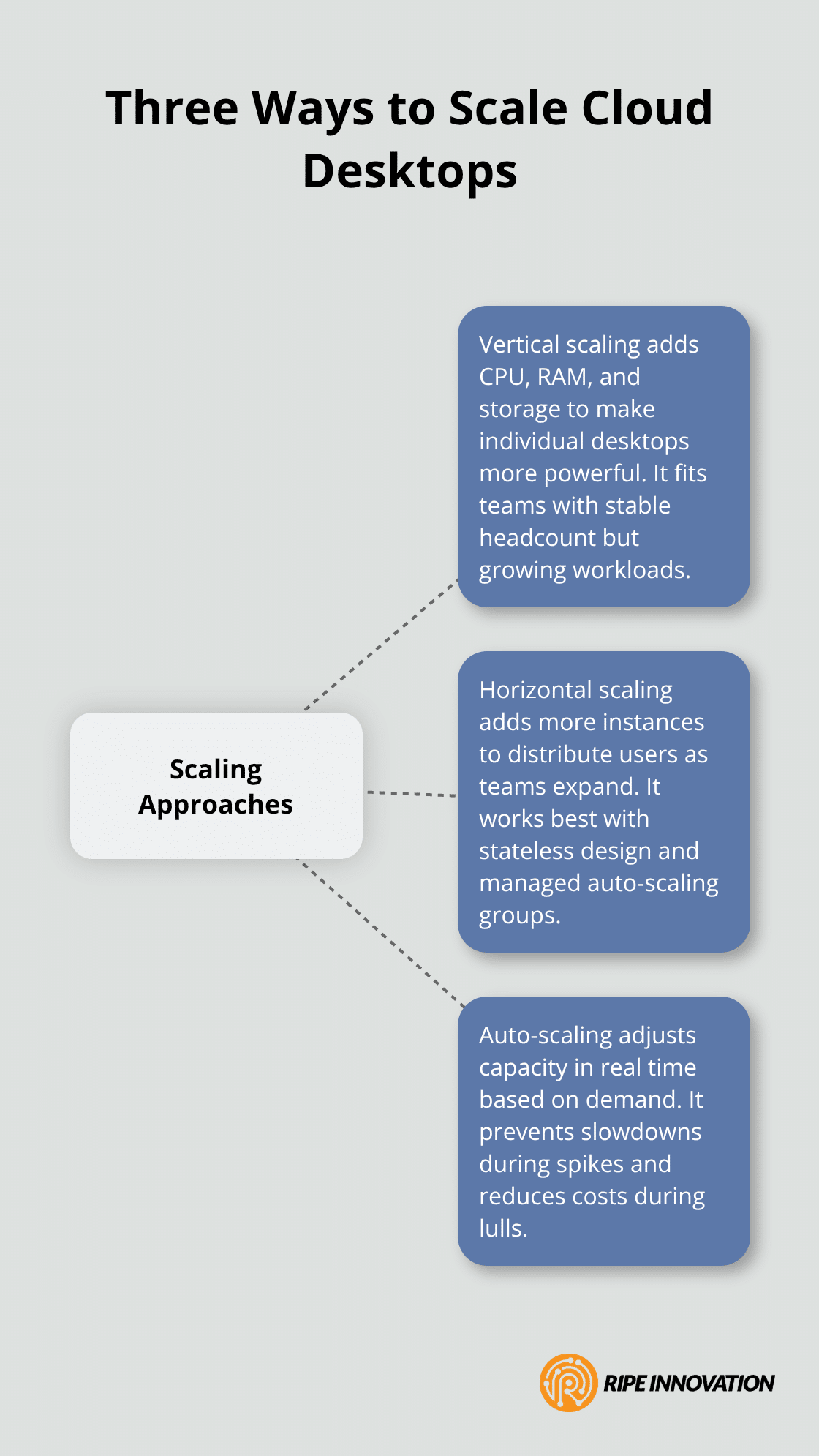
Cloud desktop platforms offer three primary methods to expand capacity: vertical scaling (adding resources to existing infrastructure), horizontal scaling (distributing load across multiple servers), and auto-scaling (dynamic resource adjustment based on demand). Each approach serves different business needs and cost profiles. Understanding these options helps you select the right strategy for your growth trajectory and operational requirements.
How to Scale Cloud Desktops as Your Business Grows
Vertical Scaling: Upgrading Individual Cloud Desktop Instances
Vertical scaling adds CPU, RAM, and storage to individual cloud desktop instances, making each user’s machine more powerful. This approach works well when your current user count remains stable but individual workloads demand more resources. If your engineering team needs 16 vCPUs and 64 GB RAM instead of 8 vCPUs and 32 GB RAM, vertical scaling delivers that upgrade within minutes. Windows 365, Microsoft’s cloud PC service, supports resizing without reprovisioning, which means you preserve user data and disk contents during the upgrade. The process typically completes in 15 to 20 minutes, and users simply reconnect to their upgraded environment.
However, vertical scaling has hard limits. A single cloud instance can only grow so large before hitting platform ceilings, and you still face the problem of supporting growth beyond that single machine. If you scale from 50 employees to 500, vertical scaling alone cannot solve that problem. You need additional machines, which means horizontal scaling becomes necessary.
Horizontal Scaling: Distributing Load Across Multiple Instances
Horizontal scaling distributes users across multiple cloud desktop instances instead of cramming them onto fewer, larger machines. This approach directly addresses headcount growth. As you hire more employees or onboard new customer departments, you provision additional cloud desktops and distribute the load. Managed auto-scaling groups handle this automatically, adding or removing instances based on real-time demand metrics like CPU utilization and concurrent user connections.
Stateless design enables horizontal scaling to work effectively. When you allow any server to handle requests without relying on local state stored on individual machines, your infrastructure becomes truly flexible. User session data lives in a shared database or managed cache rather than on a single desktop, so any new instance can serve any user without migration delays. This architecture proves essential for businesses expecting rapid growth. A contact center scaling from 100 agents to 500 agents cannot wait for manual provisioning; auto-scaling must respond within seconds to demand spikes.
Automating Deployment and Scaling Policies
Infrastructure-as-Code tools like Terraform or AWS CloudFormation automate instance deployment, ensuring consistent configurations across all new machines and eliminating manual configuration errors that slow growth. These tools let you define your entire infrastructure in code, making scaling repeatable and reliable.
Auto-scaling policies should target a concurrency baseline of approximately 0.9 during standard business hours. This means if 1,000 employees work during peak times, you size for 900 concurrent connections and let auto-scaling handle the remaining 100 who log in slightly earlier or later. For 24/7 operations like call centers, concurrency drops to roughly 33 percent, so 1,000 users require capacity for only 330 concurrent sessions across shifts.
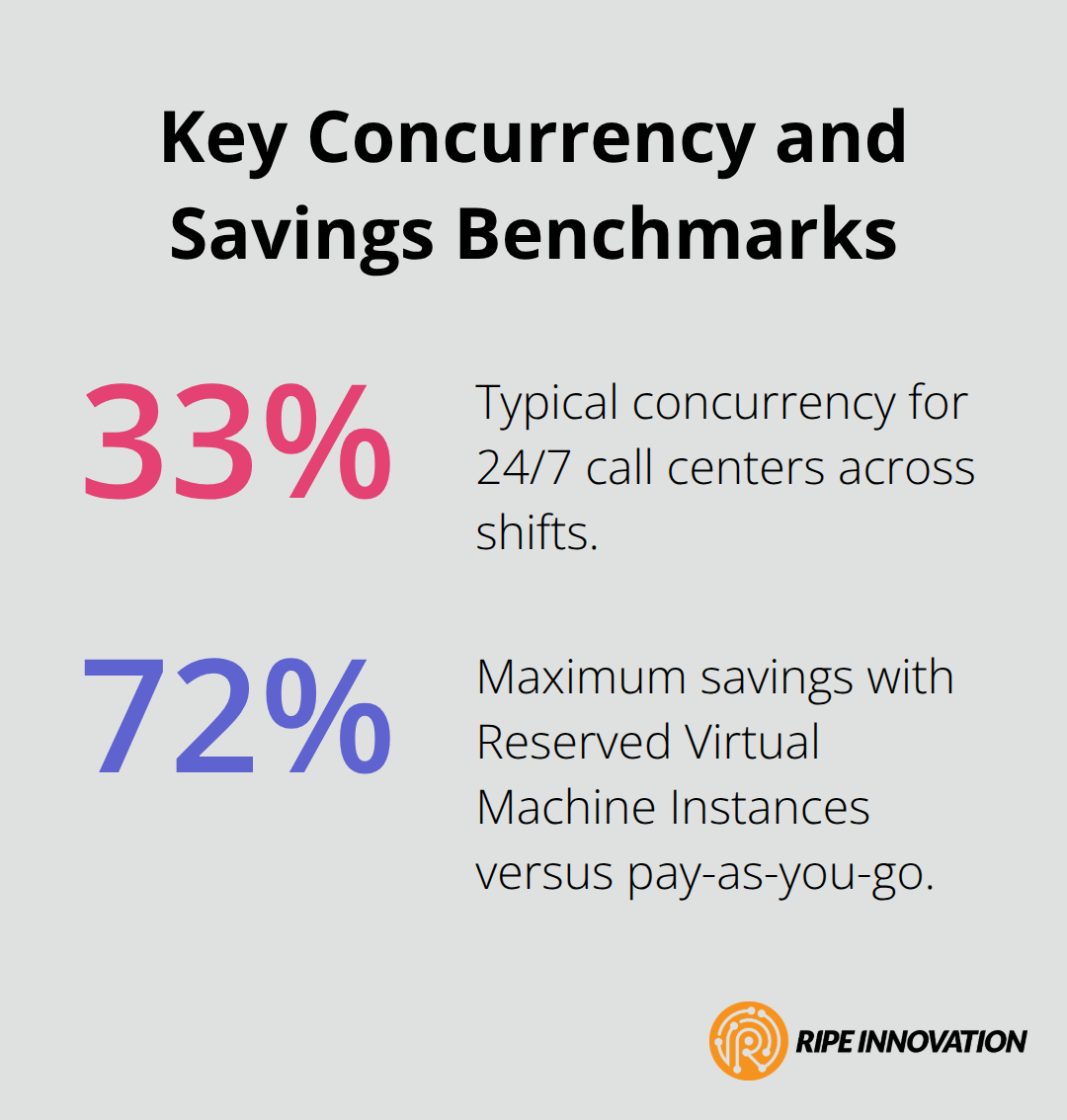
Reserved Virtual Machine Instances covering 1- or 3-year terms save up to 72 percent compared to pay-as-you-go pricing and work alongside auto-scaling to minimize costs during predictable baseline usage while keeping dynamic scaling available for unpredictable spikes.
Choosing the Right Scaling Strategy for Your Growth Phase
The scaling approach you select depends on your current growth stage and future trajectory. Early-stage businesses with stable headcount but increasing workload demands often start with vertical scaling, then transition to horizontal scaling as headcount grows. Established organizations expecting rapid expansion should implement horizontal scaling and auto-scaling from the start, avoiding the costly migration later. Your cloud desktop partner should help you assess which strategy aligns with your business plan and provide the tools to execute it without disruption.
As you implement these scaling strategies, the next critical step involves monitoring whether your choices actually deliver the performance and cost benefits you expect. Understanding how to track usage patterns and capacity trends ensures your scaling decisions remain aligned with real-world demand.
How to Validate Your Scaling Strategy Before Full Deployment
Scaling decisions made without data lead to either wasted spending or performance failures that damage customer trust. The most effective approach involves tracking actual usage patterns before committing resources to a full scaling initiative.
Collect and Analyze Your Baseline Metrics
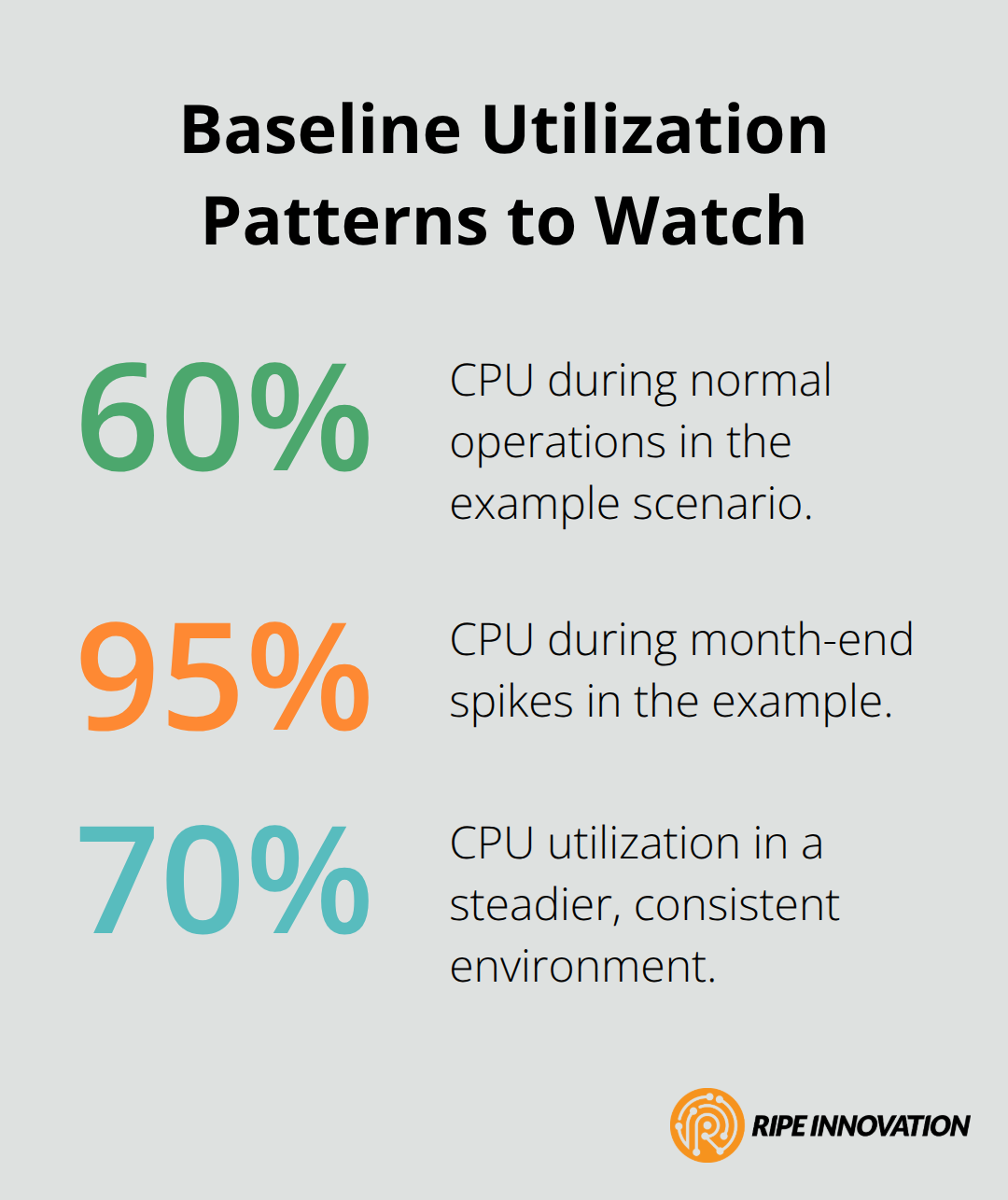
Start by collecting baseline metrics from your current cloud desktop environment: CPU utilization during peak hours, RAM consumption patterns, concurrent user connections, and storage growth rates. Most cloud providers offer native monitoring dashboards that surface these metrics without additional tools. Examine at least 30 days of historical data to account for weekly variations and seasonal fluctuations. A business that sees 60 percent CPU utilization during normal operations but spikes to 95 percent during month-end closings needs a fundamentally different scaling strategy than one with consistent 70 percent utilization.
Model Costs and Identify Bottlenecks
Cost modeling tools let you compare different scenarios across pay-as-you-go, Reserved Instances, and Savings Plans before committing budget. Load testing before major scaling changes proves invaluable; simulate your expected user growth with tools that mimic real workloads, then measure response times and identify which components hit limits first. If your database becomes the bottleneck before compute resources, vertical scaling alone will disappoint you. Testing reveals these dependencies early, when adjustments cost nothing.
Evaluate Your Cloud Desktop Partner
Your cloud desktop partner matters enormously in this process because scaling mistakes cascade quickly through your entire operation. Evaluate potential partners by asking for references from businesses similar to yours in size and industry, then contact those references directly to understand their scaling experience. Request documentation showing how the partner handles growth: Do they offer Infrastructure-as-Code templates that automate deployment? Can they provision new instances within minutes rather than days? Will they provide cost optimization recommendations, or do they benefit from you overpaying? A partner that charges for scaling consulting or penalizes downsizing has misaligned incentives with your business. Transparent pricing models where you pay only for resources consumed eliminate hidden costs and make scaling decisions straightforward.
Run a Pilot Scaling Exercise
Before full implementation, run a pilot scaling exercise with a subset of users or a single department. Move 50 employees to the new scaled environment, run it for two weeks, measure actual performance metrics, and gather user feedback. This pilot costs virtually nothing compared to the expense of scaling incorrectly across your entire organization, and it provides concrete data to justify larger investments to your leadership team. The pilot also surfaces unexpected integration issues or user training needs that full-scale deployment would amplify (such as application compatibility problems or authentication delays).
Final Thoughts
Scalability is not a luxury feature for cloud desktop environments; it is a fundamental requirement for businesses planning to grow. The cloud desktop scalability options available today-vertical scaling, horizontal scaling, and intelligent auto-scaling-give you the flexibility to expand your infrastructure at the pace your business demands. Without this capability, you face a choice between overpaying for unused capacity or accepting performance degradation that frustrates employees and damages customer relationships.
The financial case for scalability proves compelling. Pay-as-you-go pricing models align your infrastructure costs directly with actual usage, eliminating the waste of maintaining peak capacity year-round. Reserved Instances and Savings Plans amplify these savings for predictable baseline workloads while preserving the flexibility to scale dynamically when demand spikes. Over three to five years, this cost discipline compounds into substantial savings that fund other business priorities.
Performance consistency delivers equally important returns. Your employees and customers experience responsive systems regardless of whether you serve 100 concurrent users or 1,000. This reliability builds trust and enables your teams to work at full productivity. Contact our team to assess your current growth trajectory and determine which scaling strategy fits your business best.