
Data loss doesn’t just happen to other companies. MSPs face real threats daily, from ransomware to hardware failures, and the cost of being unprepared is staggering.
At RIPE INNOVATION INC., we know that cloud backup disaster planning isn’t optional-it’s the foundation of your business continuity. This guide walks you through building a recovery strategy that protects your clients and your reputation.
The Real Cost of Being Unprepared
Data loss hits MSPs harder than most businesses because your clients depend on you. When you lose data, you lose client trust, face potential legal action, and watch your reputation crumble. According to Gartner, IT downtime costs about $5,600 per minute, which means a single ransomware attack or hardware failure drains your budget faster than you’d expect. For small and mid-sized businesses, the numbers are even more brutal.
What data loss actually costs your business
Microsoft’s SMB Cybersecurity Report shows that cyberattacks on smaller organizations cost an average of $254,000, with direct incident response and forensics running about $77,957 alone. Legal penalties add another $20,623 on average, though regulated industries like healthcare face much steeper fines under HIPAA. The real damage extends beyond immediate costs. Long-term reputational harm and lost customer trust can exceed $1 million for some businesses, according to Microsoft research. One in three SMBs experience a cyberattack, and Verizon’s 2023 Data Breach Investigations Report shows SMBs actually suffered more breaches than large organizations. This isn’t theoretical risk-it’s happening to your competitors right now.
Compliance violations create direct liability
Your clients operate in regulated industries or handle sensitive data, which means you’re legally responsible for protecting it. HIPAA violations, payment card data breaches, and other compliance failures create liability that extends directly to your MSP. When you implement cloud backup with proper encryption, retention policies, and audit trails, you protect data and shield yourself from regulatory penalties and client lawsuits. Backup solutions that include immutable storage, encryption, and compliance-ready reporting help you meet industry standards without scrambling during an audit.
What clients expect from you now
Small business owners no longer view backup as a nice-to-have feature. They expect it as part of your core service offering, with fast recovery times and transparent communication during incidents. Clients want to know their data sits geographically separate from their primary location, encrypted end-to-end, and recoverable within hours, not days. They’re also asking harder questions about your disaster recovery testing and incident response procedures.
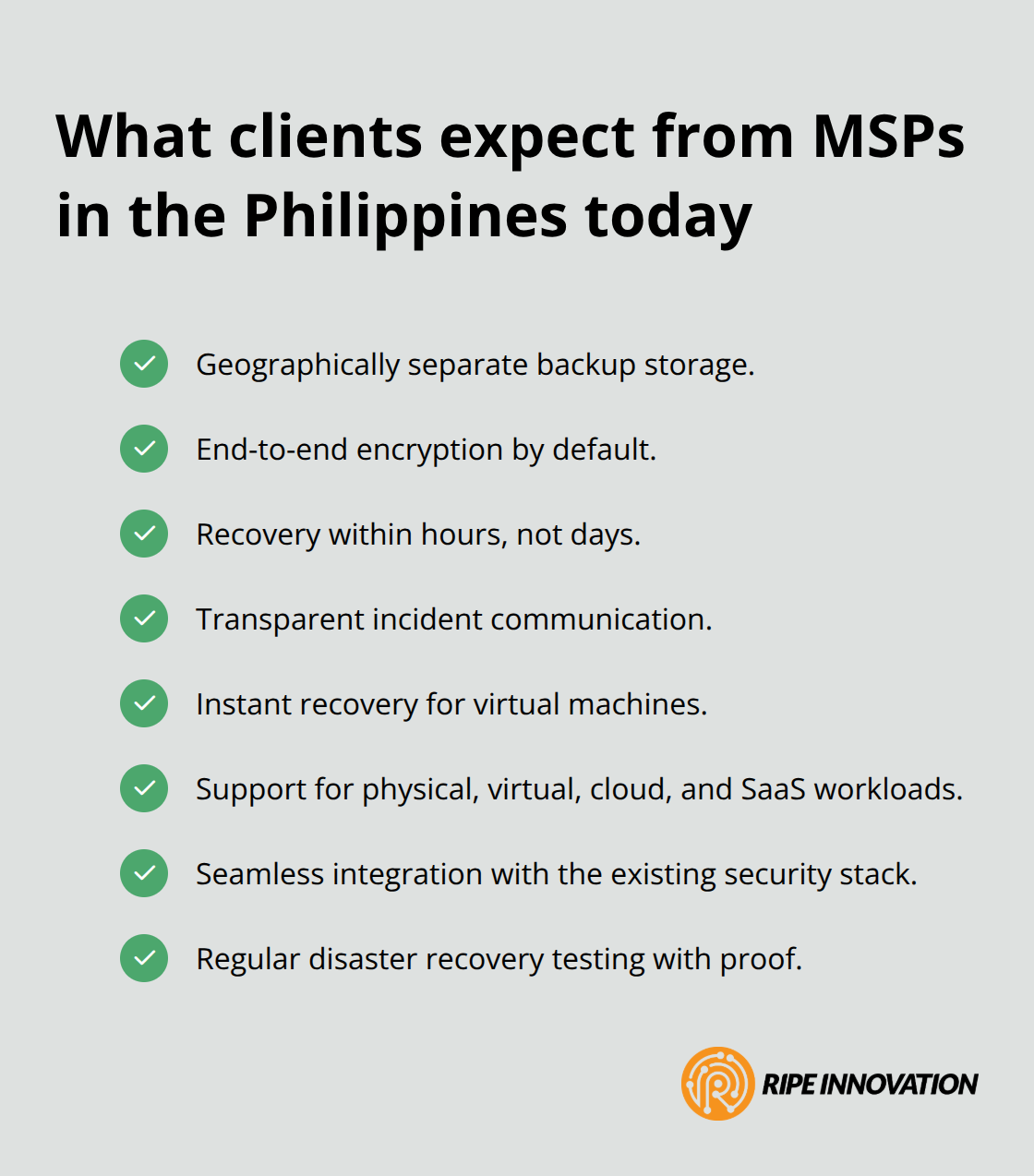
Meeting these expectations means choosing backup solutions that deliver instant recovery for virtual machines, support multiple workload types (physical, virtual, cloud, and SaaS), and integrate seamlessly with your existing security stack. The pressure to deliver these capabilities is what makes your next step critical: building a disaster recovery plan that actually works.
Building Your Recovery Plan
Your disaster recovery plan starts with honest assessment, not wishful thinking. Most MSPs skip this step and pay the price later. You need to audit your current infrastructure ruthlessly, identifying every single point of failure from server hardware to network connectivity to backup system configurations. Document which systems your clients depend on most, which data stores are largest, and where your backups currently live. This inventory becomes your foundation.
Set Recovery Targets Based on Financial Reality
Establish Recovery Time Objective and Recovery Point Objective targets for each critical system. RTO defines how long you can afford downtime, while RPO specifies how much data loss is acceptable between backup cycles. For mission-critical systems, try keeping RTO under four hours and RPO under one hour, according to industry standards. For less critical workloads, you might tolerate longer windows, but the math must be deliberate.
Calculate the cost of downtime for each system using Gartner’s benchmark of $5,600 per minute in lost productivity. A four-hour outage on a critical system costs nearly $1.3 million in direct losses alone, not counting client notification, investigation, and recovery labor. Your RTO and RPO targets should reflect this financial reality, not arbitrary timelines.
Test Recovery Procedures Across Multiple Scenarios
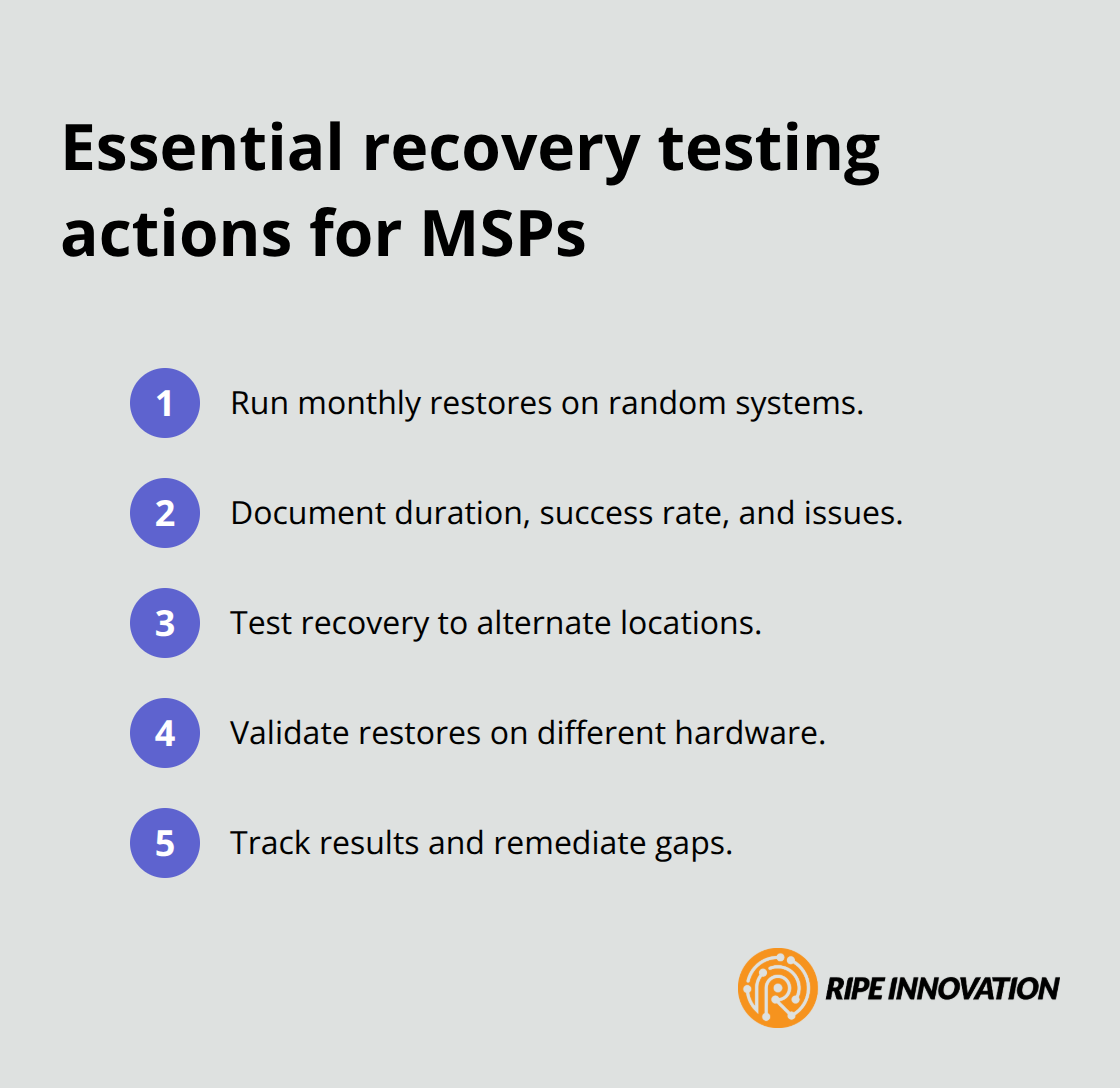
Testing your backup strategy separates prepared MSPs from those who discover failures during actual emergencies. Run monthly restore tests on random systems, not just the ones you expect to fail. Document every restore attempt, noting duration, success rate, and any issues encountered. Test recovery to different locations and hardware configurations, since your clients may need to operate from alternate sites during disasters.
When ransomware hits, you need to verify that backups are uncompromised and recoverable before reinfection spreads further. This means testing immutable backup storage and validating that your backup systems can isolate and scan backup images for malware before restoration. Solutions like Acronis Cyber Protect Cloud include AI-assisted backup image scanning that catches threats before you restore, and instant virtualization that lets you spin up virtual machines directly from backups within minutes.
Validate Your Communication Procedures
Test your incident response communication plan too. Notify your leadership team, affected clients, and relevant authorities according to your documented procedures, then measure how long each notification actually takes. Most MSPs discover their communication plans are broken only after a real incident, when panic sets in and contact lists are outdated.
Update your plan quarterly, assign clear ownership to specific people, and ensure at least two people know how to execute every critical procedure. Your plan fails the moment it depends on one person’s knowledge. With your recovery targets defined and testing protocols in place, you’re ready to examine how specific disaster scenarios demand tailored response strategies that go beyond generic recovery procedures.
How Different Disasters Demand Different Recovery Strategies
Ransomware Attacks Require Verification Before Restoration
Ransomware attacks demand speed and verification before you restore anything. When encryption hits your systems, your first instinct is to recover immediately, but that instinct gets you reinfected. Instead, isolate all affected systems from the network first, then verify that your backups are genuinely uncompromised before touching them. This verification step separates MSPs who recover successfully from those who restore malware alongside their data.
Solutions with AI-assisted backup integrity verification catch threats before restoration, preventing the cycle of infection and re-encryption that wastes days and multiplies costs. Once you’ve confirmed backup integrity, instant virtualization lets you spin up virtual machines directly from clean backups within minutes, restoring client operations while your forensics team investigates the original infection vector. Acronis Cyber Protect Cloud includes this exact capability, enabling you to launch VMs from backups immediately and restore original hardware once it’s been patched and hardened.
Document which systems encryption affected, when backups were last verified as clean, and exactly which backup snapshots you’re restoring from. Your client needs this documentation for their incident report and insurance claim anyway.
Hardware Failures Require Tested Restore Procedures
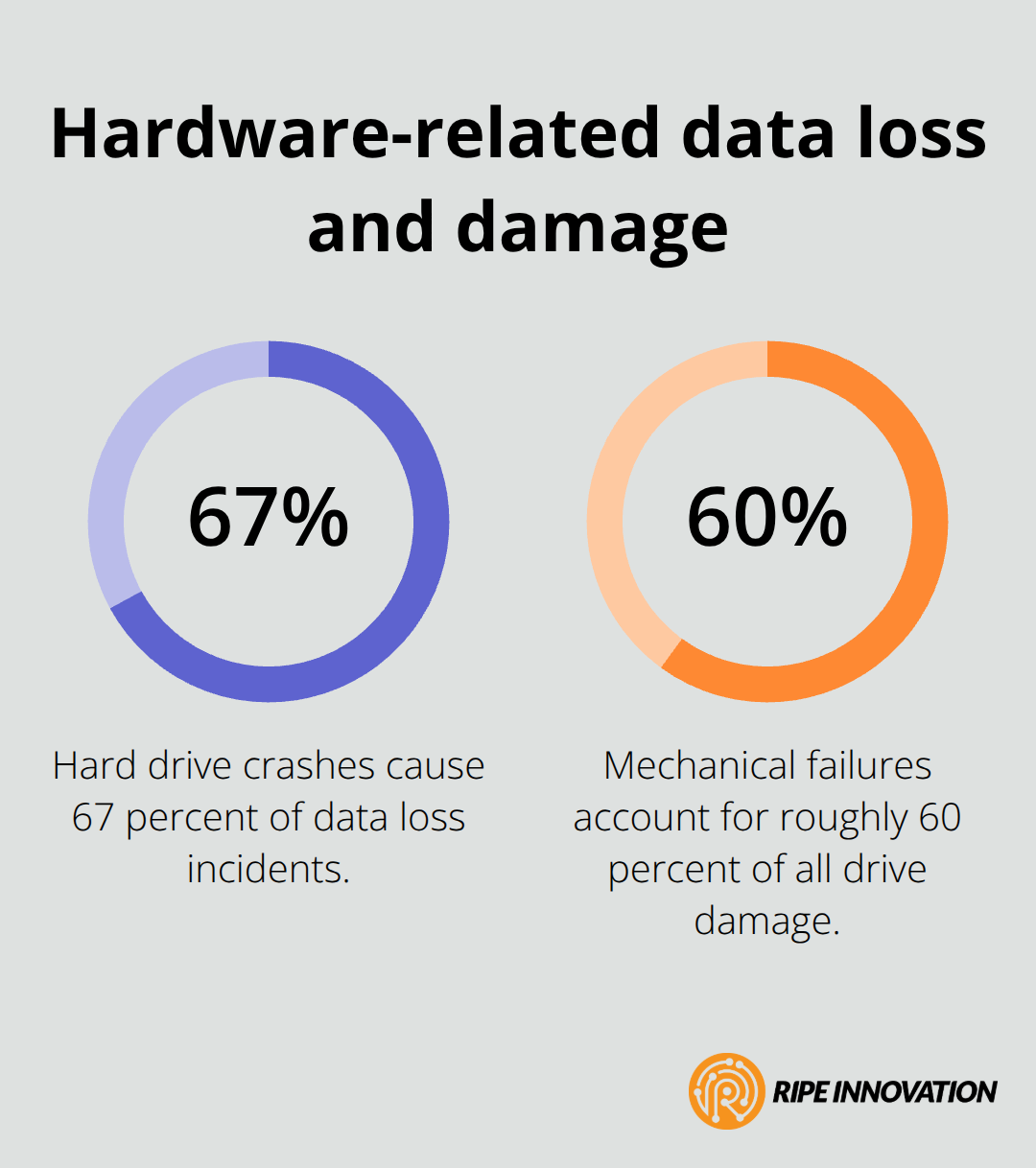
Hardware failures hit differently because they’re predictable and usually survivable with proper planning. Kroll Ontrack reports that hard drive crashes cause 67 percent of data loss incidents, with mechanical failures accounting for roughly 60 percent of all drive damage.
When a server dies, your recovery speed depends entirely on whether your backups are recent, accessible, and tested beforehand.
Perform monthly restore testing on random systems to catch configuration problems before they matter. Test recovery to different hardware too, since your client’s replacement server might have different specifications than the original. This testing approach reveals gaps that would otherwise surface during actual emergencies, when pressure and panic cloud judgment.
Natural Disasters Eliminate Entire Sites
Natural disasters like fires or tornadoes eliminate the entire site, making geographic separation of backups non-negotiable. Weekly backups to a secure remote location protect against total facility loss, and a data center footprint spanning multiple regions ensures you’re not dependent on a single geographic area. When a facility burns down, your backup data sitting 500 miles away becomes your client’s entire business continuity.
Communication Procedures Vary by Scenario Type
Establish clear communication procedures for each scenario type, specifying exactly who notifies whom and when. Test these procedures quarterly with your team, not just during actual incidents when panic clouds judgment. Different disasters demand different notification sequences-ransomware requires immediate law enforcement contact and client notification, while hardware failures may only need internal team coordination and client status updates.
Final Thoughts
Your cloud backup disaster planning strategy transforms your MSP from reactive to proactive when you move from planning into execution. Start this week by auditing your current backup systems, identifying gaps in your recovery procedures, and calculating the actual cost of downtime for your most critical client systems using the $5,600 per minute benchmark. Schedule monthly restore tests on random systems, document every result, and update your incident response communication plan quarterly-these actions take weeks to complete, not months, and they eliminate the scrambling that happens during actual emergencies.
Your clients already expect geographic separation of backups, encryption, fast recovery times, and proof that you’ve tested your procedures thoroughly. When you demonstrate that your backup solutions include immutable storage, AI-assisted threat detection, and instant virtualization capabilities, you deliver competitive advantage alongside data protection. This capability shift builds the client confidence that drives retention and referrals while positioning your MSP as a trusted partner rather than a commodity service provider.
We at RIPE INNOVATION INC. help MSPs strengthen their cloud backup disaster planning through solutions that simplify recovery without adding complexity. Visit RIPE INNOVATION INC. to explore how our partnership approach can support your disaster preparedness strategy and give your clients the protection they expect.