
Slow cloud desktop performance drains productivity and directly impacts your bottom line. We at RIPE INNOVATION INC. know that even minor delays compound across your team, costing hours each week.
This guide covers practical cloud desktop performance tips to eliminate bottlenecks and keep your systems running reliably. You’ll learn exactly how to configure networks, manage storage, and monitor performance before problems affect your business.
Why Cloud Desktop Performance Directly Affects Your Revenue
Slow cloud desktops don’t just frustrate employees-they hemorrhage money. A single user experiencing latency delays loses roughly 2.6 hours per week in productivity, according to research on remote work performance. Multiply that across a ten-person team and you’re looking at 26 lost hours weekly, equivalent to more than three full-time employees sitting idle. The financial impact compounds when you factor in customer-facing staff whose delays translate directly to missed sales or poor client experiences. Slow desktops mean slower service delivery, and your infrastructure isn’t just a cost center; it’s a revenue engine that either fires on all cylinders or leaves money on the table. The problem intensifies in industries where response time matters-financial services, healthcare, and customer support operations report that every 100 milliseconds of additional latency costs them measurable revenue.
Where Performance Breaks Down in Cloud Environments
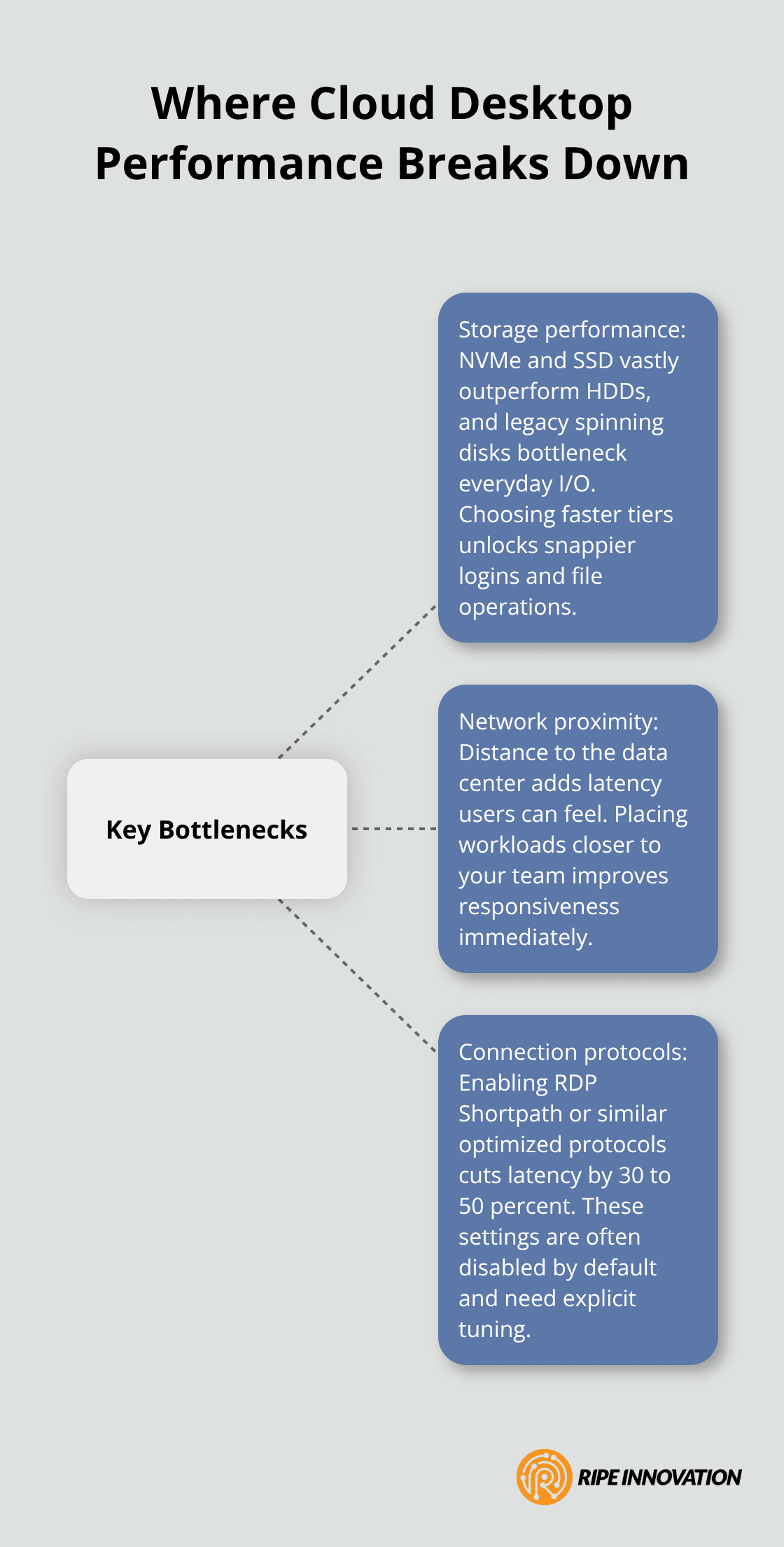
Most slow cloud desktop problems stem from three specific areas that small business owners overlook. Storage performance is the biggest culprit-solid-state storage versus spinning-disk storage performance difference shows that NVMe drives can reach speeds as high as 7500 MB/s, yet many budget-conscious deployments still rely on older HDD configurations. Network latency is equally brutal; users in regions far from their cloud provider’s data center experience noticeable lag that makes daily work feel sluggish, even if the underlying infrastructure is solid. Connection protocols matter more than people realize-RDP Shortpath and optimized protocols can slash latency by 30 to 50 percent compared to standard connections, yet most deployments never tune this setting.
Storage Configuration: The Hidden Performance Killer
Your storage choice determines whether your team experiences snappy, responsive desktops or frustrating delays. Solid-state storage (SSD or NVMe) outperforms spinning-disk storage across virtually every workload, yet cost pressures push many small businesses toward older HDD configurations. The performance gap isn’t marginal-it’s dramatic. Modern NVMe solutions deliver significantly faster performance than HDD alternatives, unlocking measurable improvements in how quickly your team opens files, launches applications, and completes daily tasks.
Network Proximity and Regional Latency
Distance between your users and your cloud provider’s data center directly impacts responsiveness. Users in regions far from your infrastructure experience noticeable lag that no amount of local optimization can fix. Choosing a cloud region close to your team’s physical location matters far more than most small business owners realize. The latency difference between a nearby region and a distant one translates into real productivity gains-your team feels the difference immediately when they switch to a closer data center.
Connection Protocols: The Overlooked Tuning Opportunity
RDP Shortpath and similar optimized protocols can slash latency by 30 to 50 percent compared to standard connections, yet most deployments never adjust these settings. Your cloud provider likely offers these performance improvements, but they require explicit configuration. These aren’t mysterious problems; they’re concrete configuration decisions that directly impact how fast your systems actually run. Understanding what levers you can pull-and pulling them-separates responsive cloud desktops from frustrating ones. The next section covers exactly how to configure your network and storage to eliminate these bottlenecks before they affect your team.
How to Optimize Network, Storage, and Connection Speed
Configuring your cloud desktop infrastructure correctly separates responsive systems from frustrating ones. Network bandwidth management starts with understanding what you actually need versus what vendors recommend. Most small businesses over-purchase bandwidth because they lack concrete data about their actual usage patterns. Measure your current consumption using your cloud provider’s native monitoring tools-Azure Monitor for Microsoft deployments or AWS CloudWatch for Amazon WorkSpaces. You’ll likely find that your team uses far less bandwidth than vendor calculators suggest.
Right-Sizing Bandwidth for Your Team
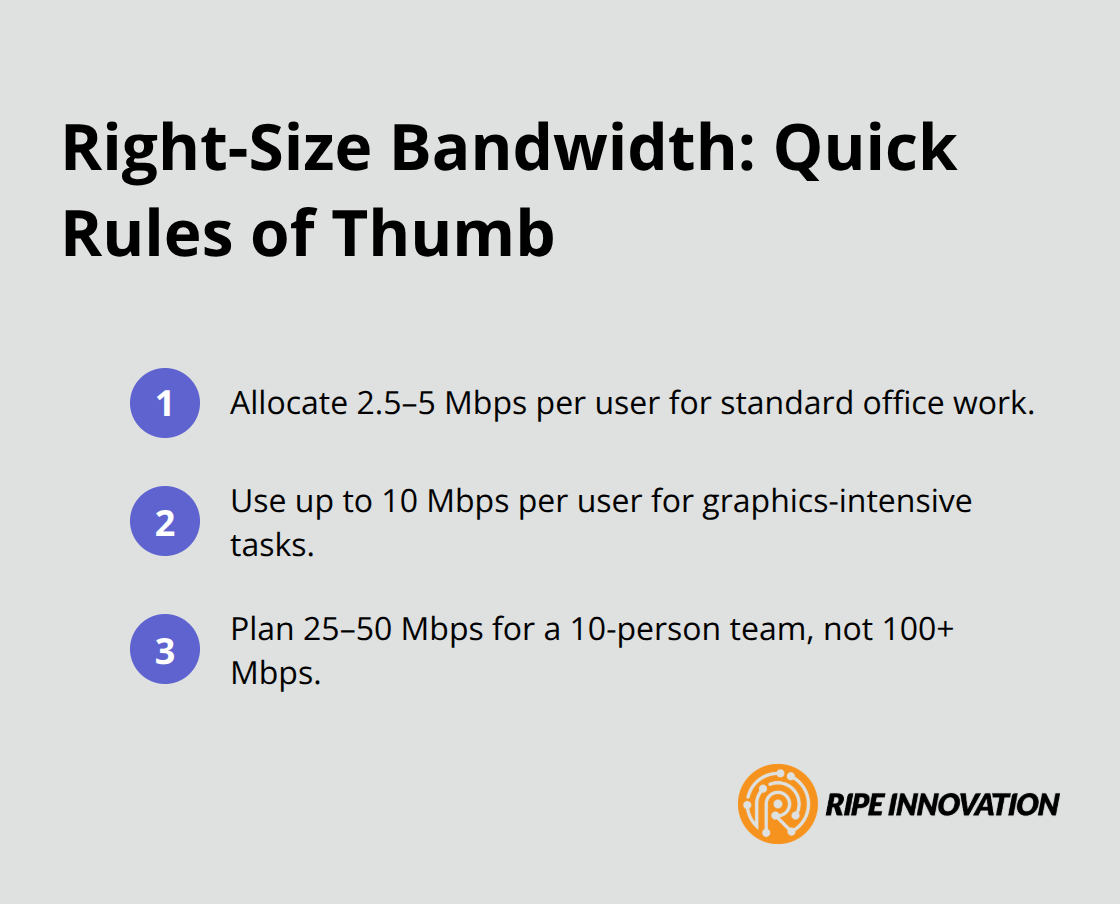
Allocate 2.5 to 5 megabits per second per user for standard office work, with graphics-intensive tasks requiring up to 10 megabits per second. A ten-person team needs roughly 25 to 50 megabits per second of dedicated bandwidth, not the 100+ megabits that generic recommendations often suggest.
Once you know your actual requirements, prioritize Quality of Service settings on your network to ensure desktop traffic gets priority over general internet browsing. This single step prevents a single user’s video streaming from degrading everyone’s experience.
Storage Choices Drive Measurable Speed Differences
Your storage backend determines whether file operations feel instant or sluggish. Solid-state storage is up to a hundred times faster than HDDs across typical office workloads. The performance difference between NVMe and HDD storage is so dramatic that choosing HDD for cost savings actually costs you money through lost productivity. Deploy SSD or NVMe-backed storage exclusively-the upfront cost difference is minimal compared to the productivity gains your team experiences. AWS GP3 volumes and Microsoft Azure Premium SSD storage deliver the speed your team needs without excessive cost.
For environments with multiple users sharing data, implement caching layers that keep frequently accessed files in faster storage tiers. This approach costs less than upgrading all storage to premium tiers while delivering nearly identical performance improvements. Test your storage configuration before full deployment using your cloud provider’s benchmarking tools to confirm you’re hitting target performance levels.
Protocol Tuning Delivers Immediate Responsiveness
RDP Shortpath and similar optimized connection protocols reduce latency by 30 to 50 percent compared to standard configurations, yet most deployments leave these improvements disabled. If you’re using Azure Virtual Desktop, enable RDP Shortpath immediately-it’s a checkbox in your host pool settings that requires no additional cost. For AWS WorkSpaces, configure the client to use the optimized codec settings available in your deployment settings. These aren’t optional nice-to-haves; they’re essential performance features that your cloud provider built specifically to address latency problems.
Test connection protocols in your actual deployment region before rolling out to all users, as performance varies based on network conditions and geographic distance from your data center. Users in regions far from your infrastructure benefit most from protocol optimization-a user in Southeast Asia connecting to a data center on the opposite coast gains more from RDP Shortpath than someone in the same region as their infrastructure. Once you’ve optimized your network, storage, and protocols, the next critical step involves monitoring these systems continuously to catch performance degradation before it affects your team.
Keep Your Cloud Desktops Running Smoothly
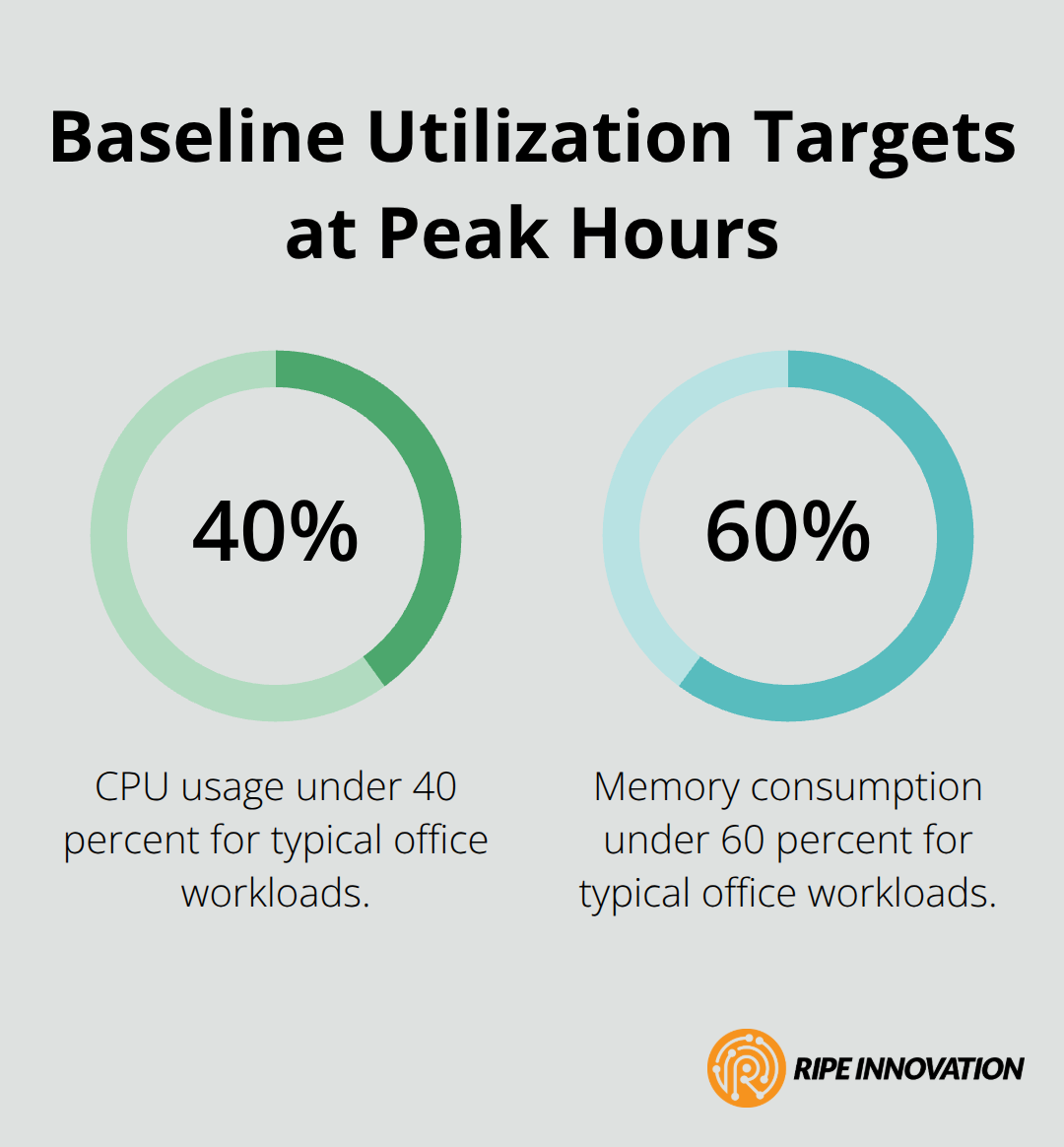
Performance monitoring separates cloud desktop deployments that hum along smoothly from those that deteriorate quietly until users complain. Most small business owners skip monitoring entirely, discovering problems only when team members start reporting lag or connection drops. This reactive approach costs far more than proactive monitoring. Azure Monitor and AWS CloudWatch provide visibility into exactly what happens inside your infrastructure-CPU usage, memory consumption, disk I/O, and network latency all feed into dashboards that reveal problems hours or days before users notice them. Set baseline performance metrics immediately after your initial deployment so you know what normal looks like for your specific workload. A ten-person team running standard office applications typically maintains CPU usage under 40 percent and memory consumption under 60 percent during peak hours. If your metrics climb above these thresholds, you have a concrete signal that something requires attention before performance degrades further.
Track Performance Before Problems Cascade
Configure alerts that fire when CPU exceeds 70 percent, memory climbs above 80 percent, or disk I/O latency exceeds 20 milliseconds. These thresholds provide warning time to investigate and adjust before your team experiences slowdowns. Disk I/O latency matters more than most administrators realize-users feel unresponsive desktops long before CPU or memory maxes out. Monitor this metric religiously and treat elevated disk latency as your highest priority alert. Establish a weekly review cadence where you examine performance trends across your entire user base. Look for patterns like morning slowdowns when everyone logs in simultaneously or afternoon degradation as your team accumulates open applications and browser tabs. These patterns reveal where you can optimize-perhaps you need to stagger user login times or implement auto-logoff policies for idle sessions. Document what you find and adjust your infrastructure accordingly.
Apply Updates During Planned Maintenance Windows
Regular maintenance schedules prevent performance creep that degrades user experience gradually. Apply security patches and operating system updates during maintenance windows when minimal users are connected-typically after hours or on weekends. Skipping patches to avoid downtime eventually leads to security incidents that cause far more serious disruption than planned maintenance. Test updates on a small subset of desktops first, confirming performance remains acceptable before rolling to all users. This staged approach catches configuration problems that could affect your entire team.
Maintain Storage Health and Capacity
Storage maintenance deserves specific attention-run disk cleanup utilities monthly to remove temporary files and cache buildup that accumulates over time. Implement automated cleanup policies that delete files older than 90 days from user caches and temporary directories. These policies recover disk space and prevent storage performance degradation that accompanies nearly-full disks. Monitor your actual storage consumption monthly and plan capacity expansion before you hit 80 percent utilization-waiting until storage fills completely guarantees performance problems that affect everyone simultaneously.
Final Thoughts
Start with your cloud provider’s native tools to measure actual bandwidth consumption and storage performance. Enable RDP Shortpath or equivalent protocol optimization immediately-it costs nothing but delivers measurable latency reduction. Set baseline performance metrics so you know what normal looks like for your specific workload, then configure alerts that warn you before problems affect your team.
Weekly performance reviews catch issues hours before users notice them, giving you time to adjust capacity or investigate root causes. Regular maintenance schedules keep your infrastructure running smoothly without the disruption of reactive firefighting. Storage health monitoring and planned updates prevent the cascading failures that damage both performance and security simultaneously.
If you need guidance implementing these cloud desktop performance tips or want expert help optimizing your infrastructure, contact Ripe Innovation Inc. to discuss your specific needs. We at RIPE INNOVATION INC. provide the technical expertise and ongoing support to ensure your systems run reliably while keeping costs predictable. Your cloud desktop infrastructure should work for you, not against you.